
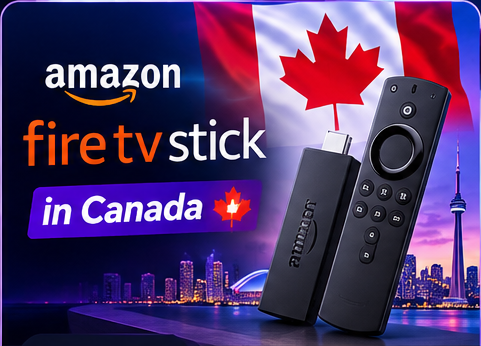
Quick answer: to use IPTV on a Fire TV Stick, install a compatible player app, then enter the login details supplied for your subscription. The exact app and steps can vary by device model, Fire OS version and app availability.
Before you start
- Connect your Fire TV Stick to the television and a reliable power source.
- Connect it to your home Wi-Fi network.
- Keep the IPTV login information provided by your service provider available.
- Check that the player app you plan to use is compatible with your Fire TV Stick and is obtained from a trusted source.
How to set up IPTV on a Fire TV Stick
- From the Fire TV home screen, open the app store and search for a compatible IPTV player.
- Review the app details and install it if it is available and suitable for your device.
- Open the player and select the appropriate sign-in method, such as the credentials or playlist format supplied by your provider.
- Enter your details carefully and save the configuration.
- Allow the playlist or channel information to load, then test a channel.
If you are unsure which player or login method applies to your account, contact our team through the IPTVLegal contact page. For other devices, see the full installation guide.
Tips for smoother streaming on Fire TV Stick
- Use a strong 5 GHz Wi-Fi signal or Ethernet adapter where supported.
- Reduce other heavy downloads or streams on your home network while testing.
- Restart the Fire TV Stick and router if the connection becomes unstable.
- Keep the device and player app updated.
- If buffering continues, test another app or device and contact your internet provider if your connection is unstable.
Try your setup before choosing a plan
You can ask IPTVLegal about a free trial in Canada and test compatibility on your own Fire TV Stick before selecting a subscription. Review the current terms and prices on the plans page.
IPTV on Fire TV Stick: frequently asked questions
Do I need a separate IPTV box if I have a Fire TV Stick?
No separate box is normally needed if your Fire TV Stick supports the player you want to use. Read our comparison of IPTV with or without a box.
Will IPTV work on every Fire TV Stick model?
Not necessarily. Compatibility depends on the model, software version, available apps and provider login method. Check these details before subscribing.
What should I do if IPTV keeps buffering?
Check your Wi-Fi signal, restart the device and router, close unused apps and test your connection. If the issue remains, contact support with your device model and a description of the problem.
Need help with setup? Contact IPTVLegal support or browse the installation guide.